# Webmail

Configuring the mail web interface to work on the local and external interface of SafeUTM.

---

1\. In order for webmail to work on the local interface, you need to activate the **Webmail** setting in **Mail Relay -&gt; General settings.** 2. To work on the external interface, you need to create a rule in the section **Services -&gt; Reverse proxy:**

**Example of a rule for the domain name and IP address access:  
[![1. Webmail.png](https://docs.safedns.com/uploads/images/gallery/2022-09/scaled-1680-/wy4GhYI5ksVz1hoe-1-webmail.png)](https://docs.safedns.com/uploads/images/gallery/2022-09/wy4GhYI5ksVz1hoe-1-webmail.png)**

After creating a rule from the local network in the browser, type this in the browser: `<strong>https:// x.x.x.x:8443/webmail/</strong>`, where `x.x.x.x` is the local interface address.

From the Internet, type in the browser: **`https://[domain name]:8443/webmail/`**. For example: `<strong>https://test.com:8443/webmail/</strong>`

A less prioritized alternative option: from the Internet, type in the browser: `<strong>https://x.x.x.x/webmail/</strong>`**,** where `x.x.x.x` is the external interface address.  
For example: `<strong>https://66.77.88.99/webmail/ </strong>`

<p class="callout info">**You must use HTTPS to connect.** </p>

- In the mailbox login form that opens, specify the username from the user account as the login.
- The password for the user account is always specified as the password. **It is impossible to set up a separate password for mail.  
    [![Screenshot_32.png](https://docs.safedns.com/uploads/images/gallery/2022-10/scaled-1680-/vRWLiNhuplg3OGmO-screenshot-32.png)](https://docs.safedns.com/uploads/images/gallery/2022-10/vRWLiNhuplg3OGmO-screenshot-32.png)**
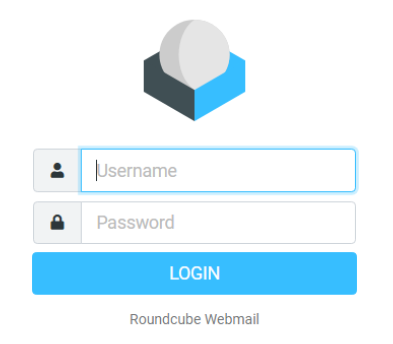
Upon successful login, the web interface of the user's mailbox will open in the browser.  
[![Screenshot_33.png](https://docs.safedns.com/uploads/images/gallery/2022-10/scaled-1680-/QQMJk4eSr57mAGvt-screenshot-33.png)](https://docs.safedns.com/uploads/images/gallery/2022-10/QQMJk4eSr57mAGvt-screenshot-33.png)
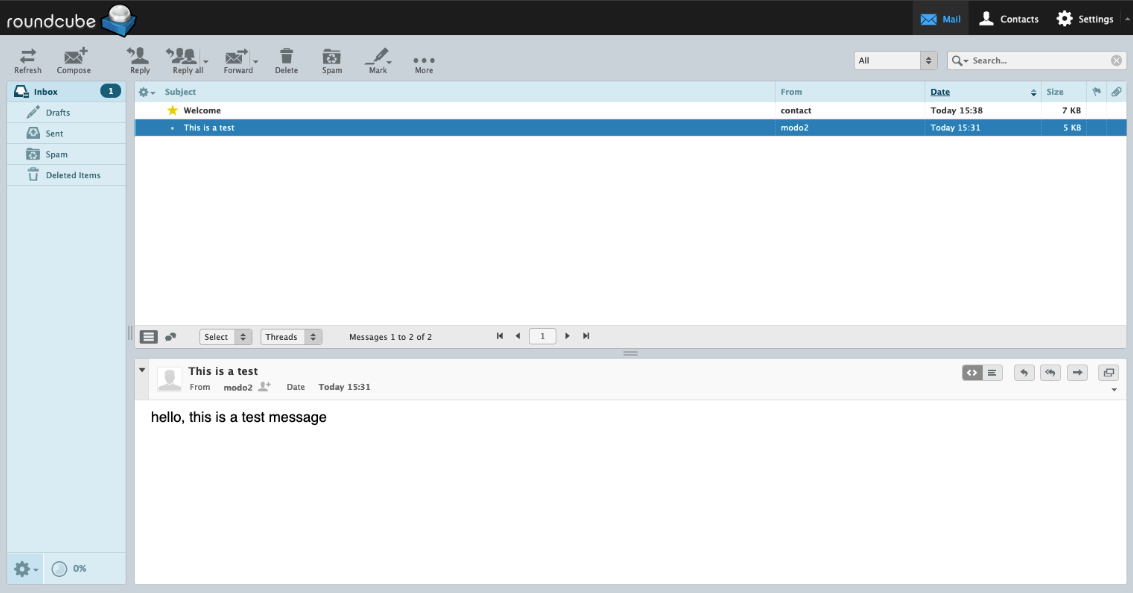
The web interface of the embedded mail client works with the mail server via IMAP protocol and has the following capabilities:

- Create and send emails. Multiple attachments are supported.
- View, delete, and move emails. Manage IMAP folders of the mailbox.
- A personal (for a specific mailbox) address book that works only within the framework of the web application.
- The address book supports the VCARD contact format and can be exported or saved on your computer in this format.
- A calendar with the ability to create events and notify employees about them by mail.
- Colored message labels, as is customary in Thunderbird mail client. They are assigned keys from 1 to 5. Changes are saved on the server so that the labels are visible in another mail client.
- Flexible advanced search for all mailbox emails. Located in the **More...** section of the drawer toolbar.