System requirements: **macOS Tahoe 26** or later, Mac with **Apple silicon — M1 chip** or later. The Agent is available on the following billing plans: **Safe Family, Pro, Pro Plus,** and archived **Safe@Home, Safe@Office**.
#### Use this guide to create the **Config.plist** file on target macOS devices before deploying SafeDNS Endpoint Lite. #### **1. Add the AuthKey to the script** Open [**create-conf.sh**](https://docs.safedns.com/attachments/9) and replace **"123zZGNlOGYtN2Nokd00M2ZlLWAKD2UtNTU000NlNjc5Maaa" (line 9)** with your **Base64-encoded AuthKey**. ``` LOG_FILE="/var/log/safedns-installer.log" AUTH_KEY="123zZGNlOGYtN2Nokd00M2ZlLWAKD2UtNTU000NlNjc5Maaa" — the part to modify DEVICE_NAME=$(scutil --get ComputerName 2>/dev/null || hostname) ```**It won't work with the sample key from the original script**
#### **2. Upload the script to SimpleMDM** 1\. Go to **Scripts [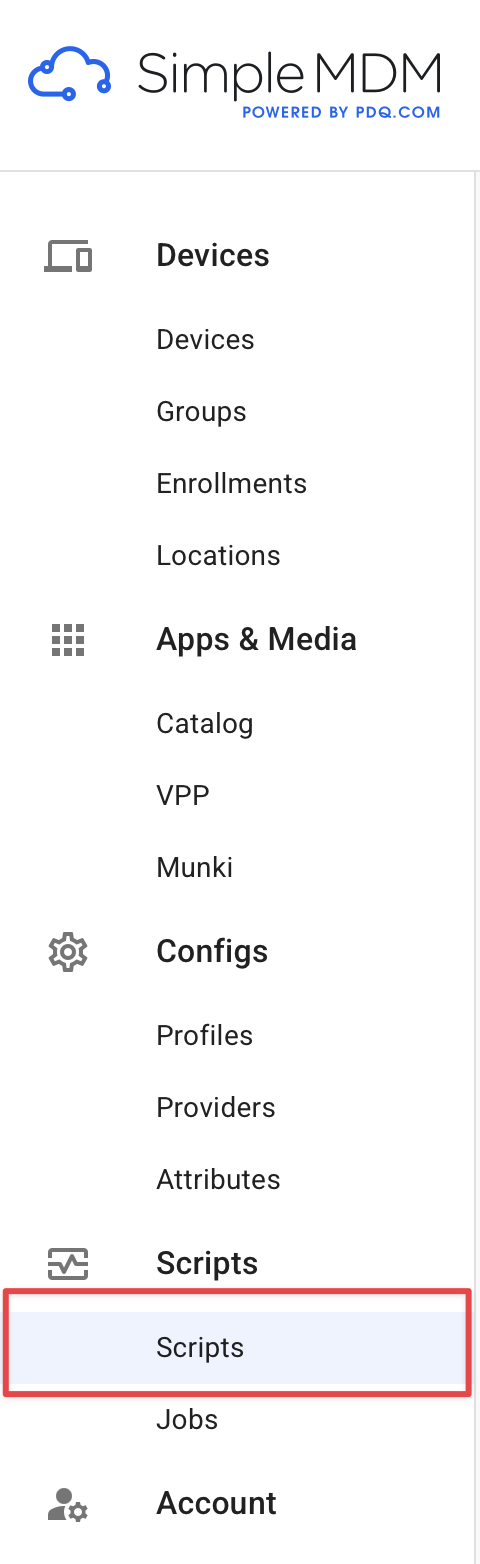](https://docs.safedns.com/uploads/images/gallery/2026-05/Mx6XTa26lfpTByBY-macos-instruction1.png)** 2. Click on **Create Script [](https://docs.safedns.com/uploads/images/gallery/2026-05/AvCtllV1nuaddewH-macos-instruction2.png)** 3. Give it a name, for example **SafeDNS\_Installer**, upload the updated **create-conf.sh**, and click **Save**. #### **3. Run the script on target devices** 1. Go to **Jobs** > **Create Job**. [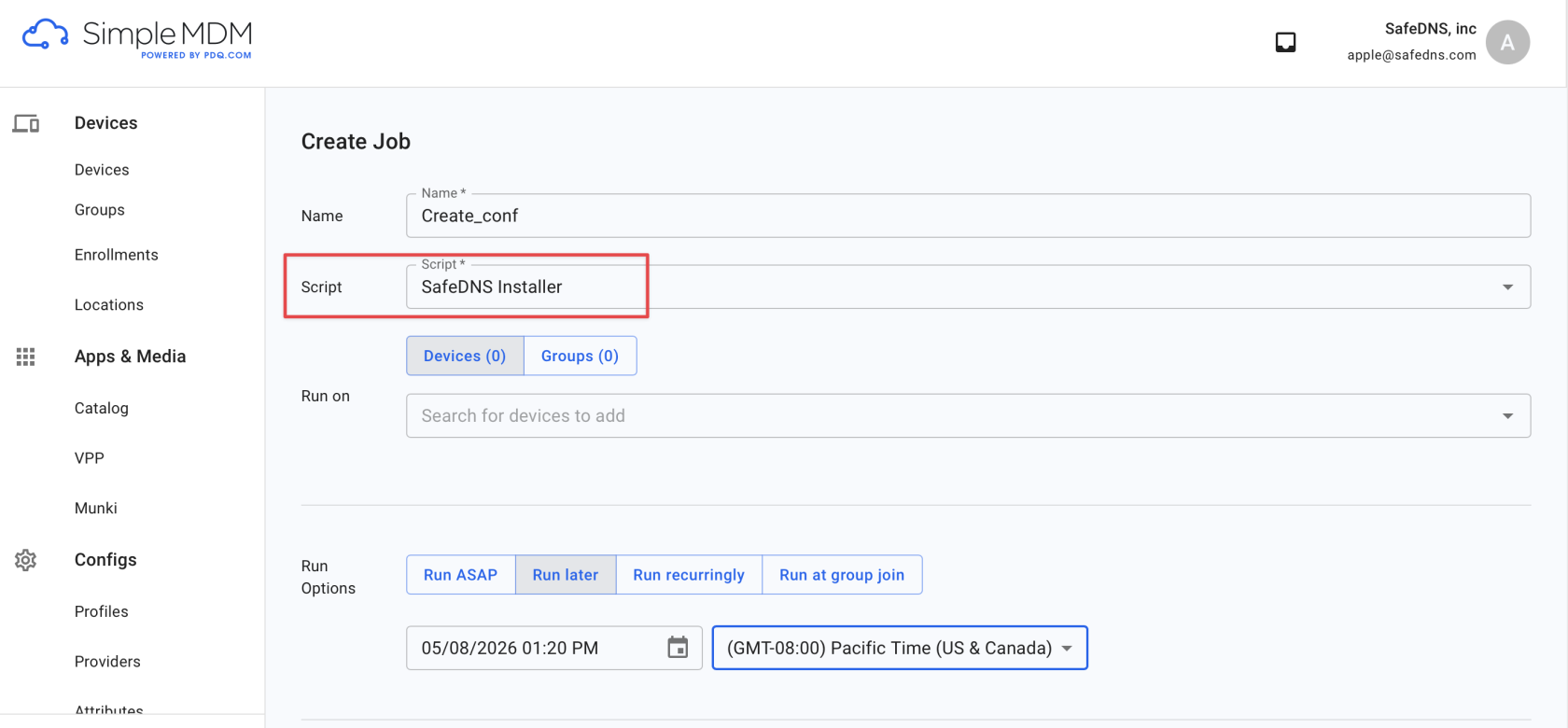](https://docs.safedns.com/uploads/images/gallery/2026-05/nqIZRq7eQczih7f7-macos-instruction3.png) 2. Select the script you created with your AuthKey, choose the target devices or device groups, configure the run option, and run the job. #### **4. Verify the result** After the job runs, check that the following files were created on the target Mac: - **Config.plist** - **/var/log/safedns-installer.log** The log file confirms that the script was delivered and executed.