
Subnet Authorization
In order not to register each device as a separate UTM user and not to fix authorization factors for it, you can use Subnet Authorization.
This feature will allow a UTM user from the desired subnet to auto-authorize without being tied to a MAC and/or specific IP, and will be useful if a large number of devices need to be auto-authorized.
Traffic across the entire subnet will be recorded per user.
In a network for which a Subnet Authorization rule has been created, DHCP can work.
For example, there is a WiFi subnet on the 192.168.10.0/24 subnet from which devices should be allowed to log in. Create an authorization rule:
- Go to the Users –> Accounts section and click Add user
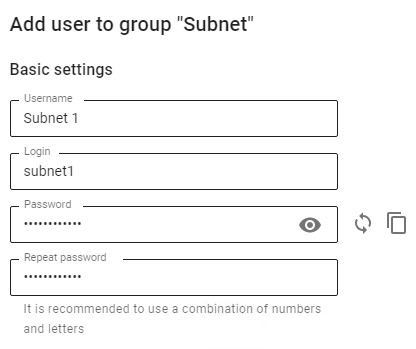
- Fill in the fields Subnet name, Login and click Save

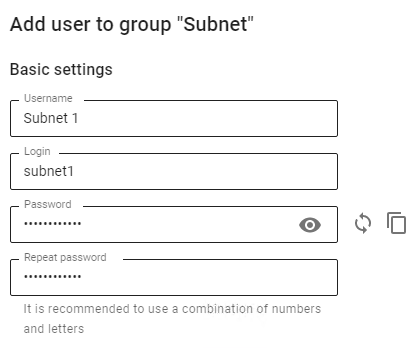
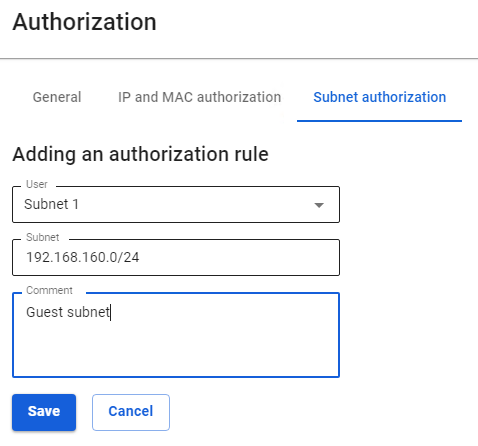
- Fill in the fields and click Save:
-
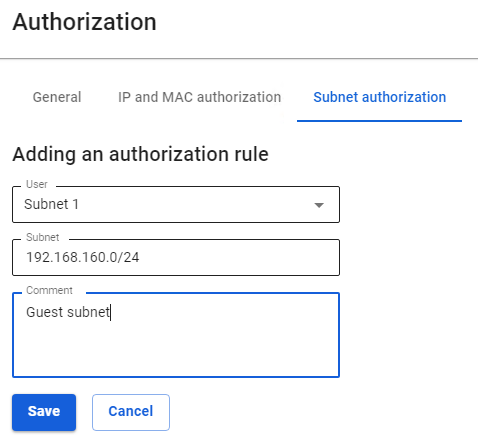
- User - select the user created in step 2
- Subnet - enter IP and subnet mask
- Comment - (optional)

Be careful when creating _Authorization by Subnets_ rules
There will be problems with authorization if:
- There are overlapping networks for different users
- There are rules for authorizing users by IP addresses from a subnet in the Authorization by subnet rule;
- Rules have been created in the Fixed VPN IP addresses subsection with binding to an IP address from the subnet of the Subnet Authorization rule.