Traffic Monitor
The section Monitoring -> Traffic Monitor displays data about traffic (inbound/outbound, speed, number of sessions) passing through SafeUTM in real time.
In order to enable traffic monitoring you need to launch App Control module.
By LANnodes Nodesof the local network tab allows to track network users’ activity and identify those who load the channel with traffic.
An example of a tab window with traffic monitoring by LANnodes nodesof the local network can be seen in the screenshot below: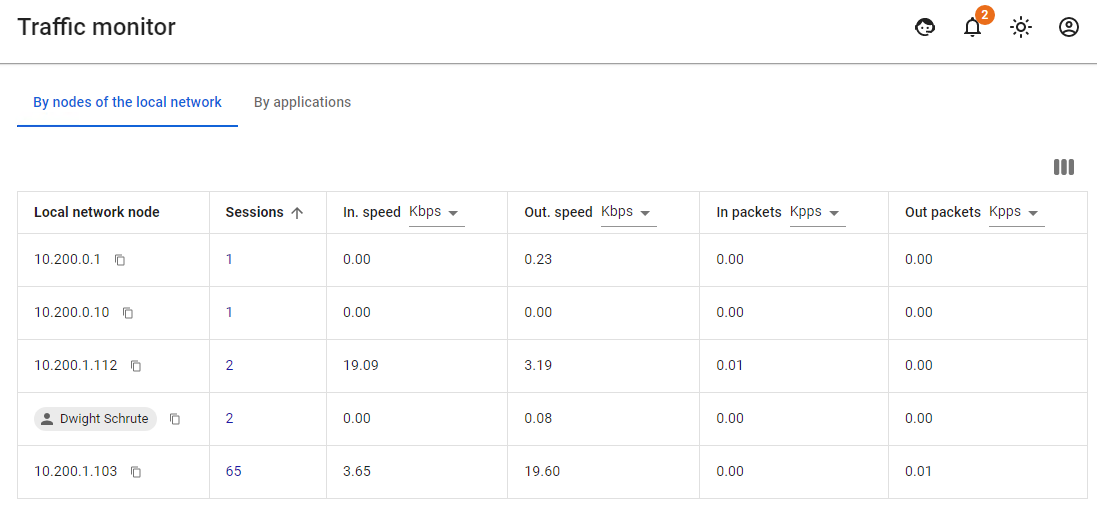 For example, if a user does not load the channel with traffic, but the table displays a big number of data packets, then it is possible to identify an application with suspicious activity in By
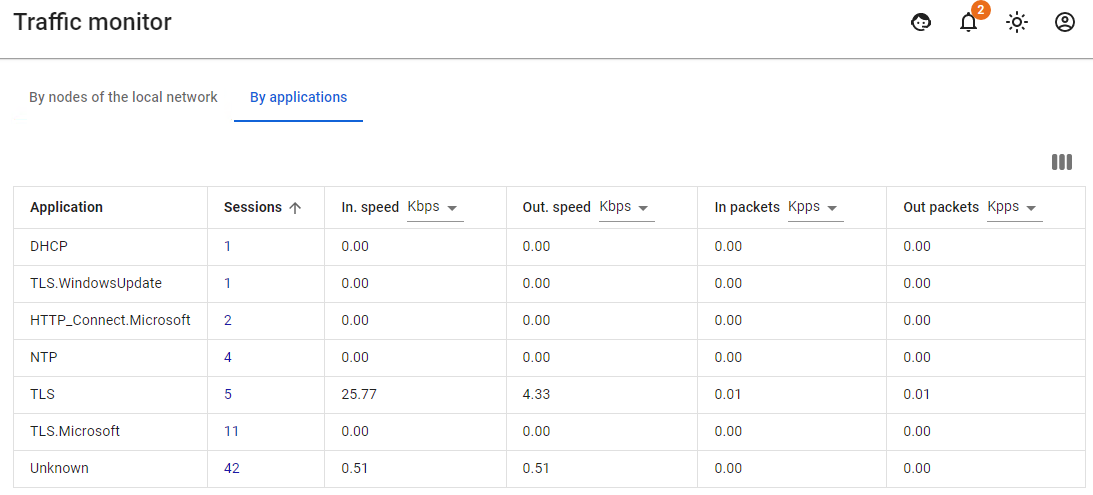
Protocolsapplications tab.
An example of a window with traffic monitoring by protocolsapplications can be seen in the screenshot below: