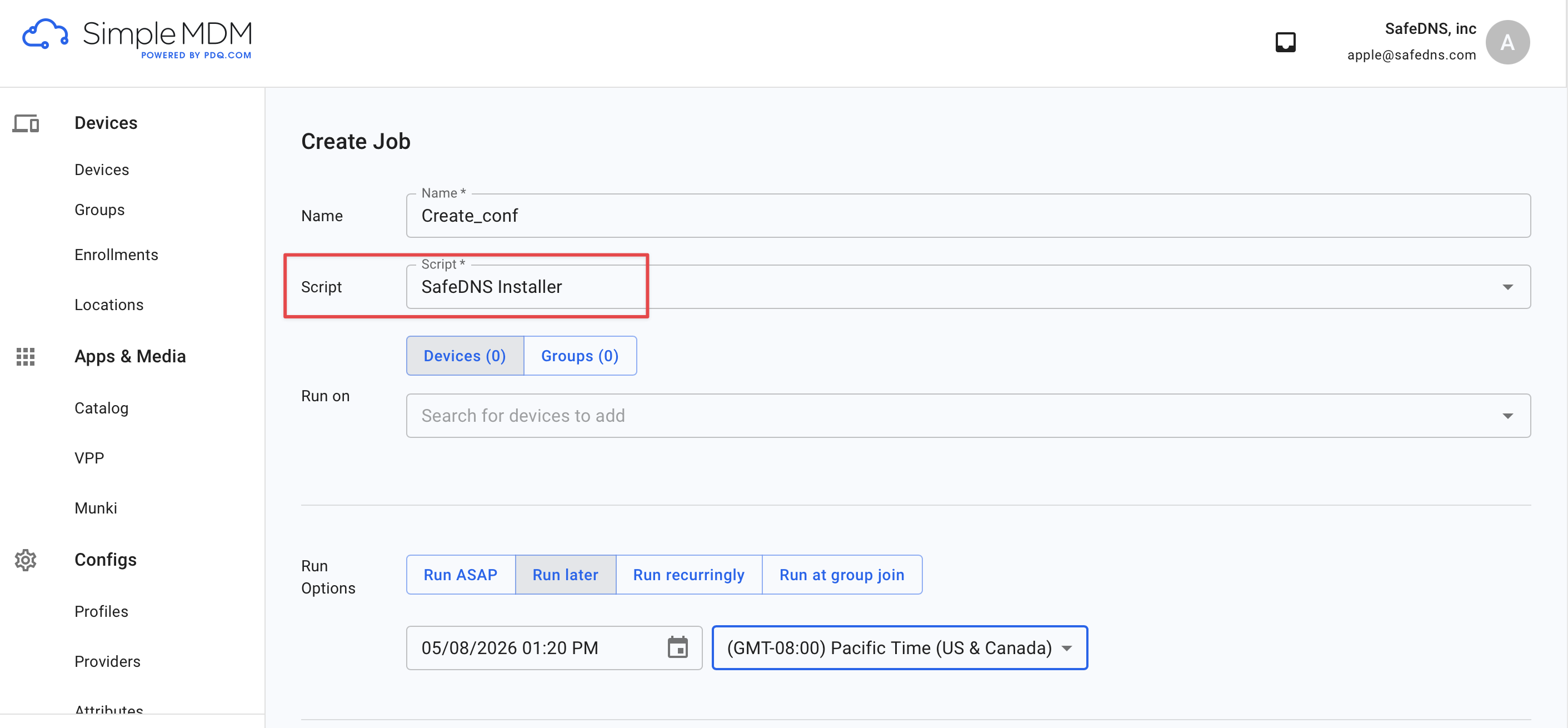
Running the SafeDNS Uninstaller script
Use this guide to upload the SafeDNS Uninstaller.sh file to uninstall SafeDNS Endpoint Lite
1. Download the file
Download link: ⤵SafeDNS_Uninstaller.sh
2. Upload the script to SimpleMDM
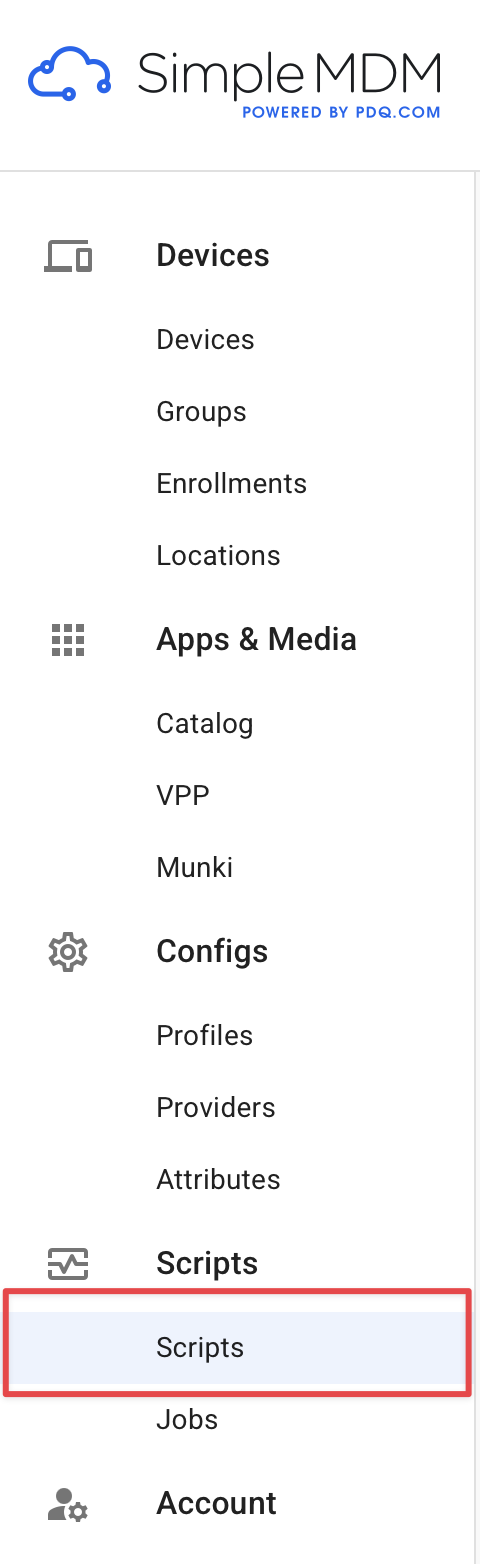
- Go to Scripts
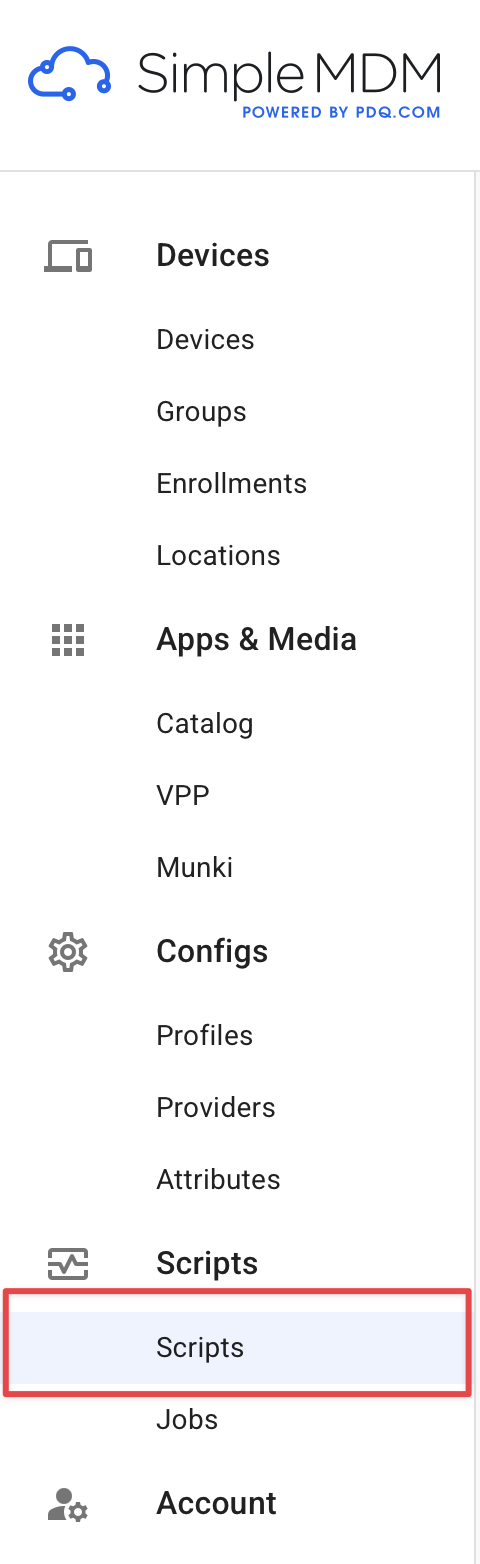
- Click on Create Script

- Give it a name, for example SafeDNS_uninstaller, upload the SafeDNS Uninstaller.sh file, and click Save.

3. Run the script on target devices
- Go to Jobs > Create Job.
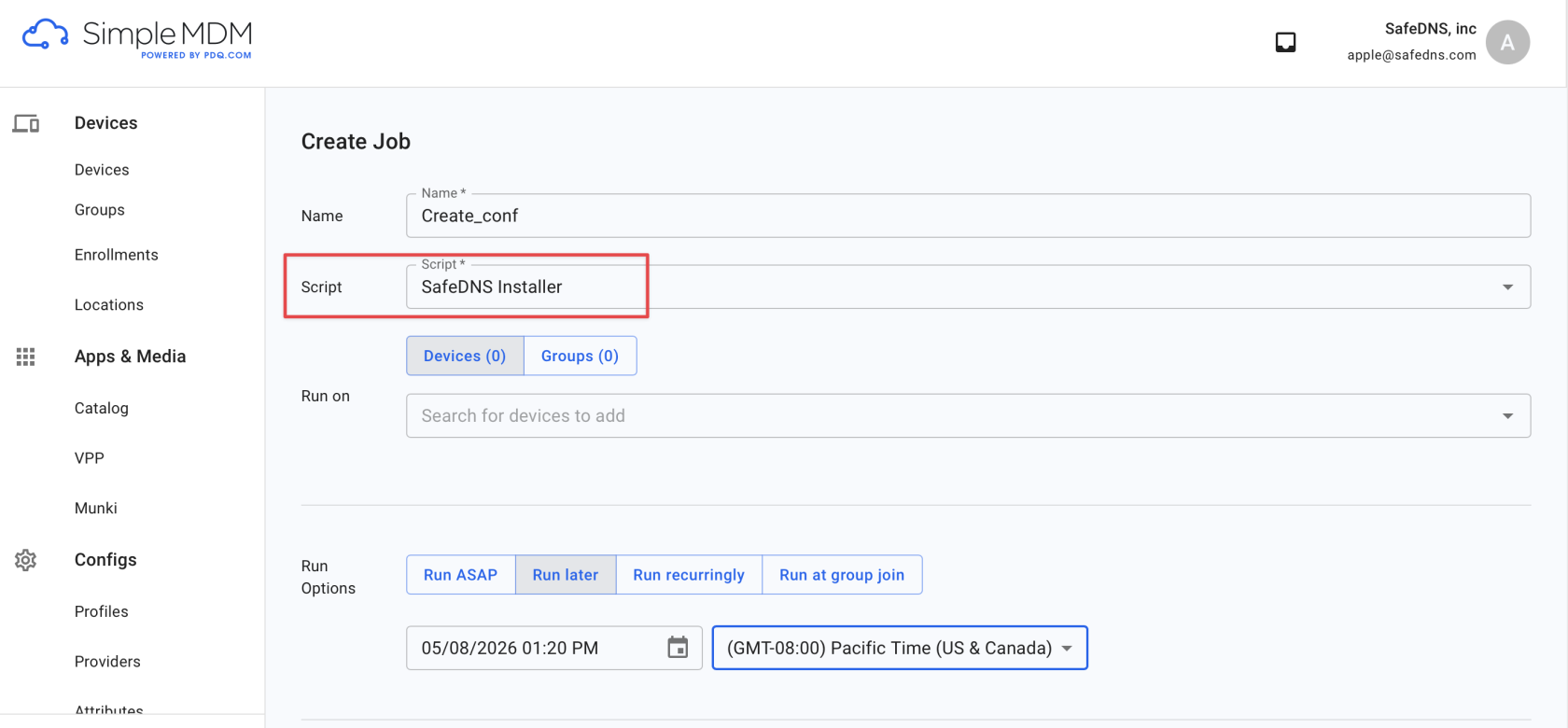
- Select the SafeDNS Uninstaller.sh file downloaded earlier, choose the target devices or device groups, configure the run option, and run the job.