
Creating the config.plist file for SafeDNS Endpoint Lite on macOS
System requirements: macOS Tahoe 26 or later, Mac with Apple silicon — M1 chip or later.
The Agent is available on the following billing plans: Safe Family, Pro, Pro Plus, and archived Safe@Home, Safe@Office.
Use this guide to create the Config.plist file on target macOS devices before deploying SafeDNS Endpoint Lite.
1. Add the AuthKey to the script
Open create-conf.sh and replace "123zZGNlOGYtN2Nokd00M2ZlLWAKD2UtNTU000NlNjc5Maaa" (line 9) with your Base64-encoded AuthKey.
LOG_FILE="/var/log/safedns-installer.log"

AUTH_KEY="123zZGNlOGYtN2Nokd00M2ZlLWAKD2UtNTU000NlNjc5Maaa" — the part to modify
DEVICE_NAME=$(scutil --get ComputerName 2>/dev/null || hostname)
It won't work with the sample key from the original script
2. Upload the script to SimpleMDM
1. Go to Scripts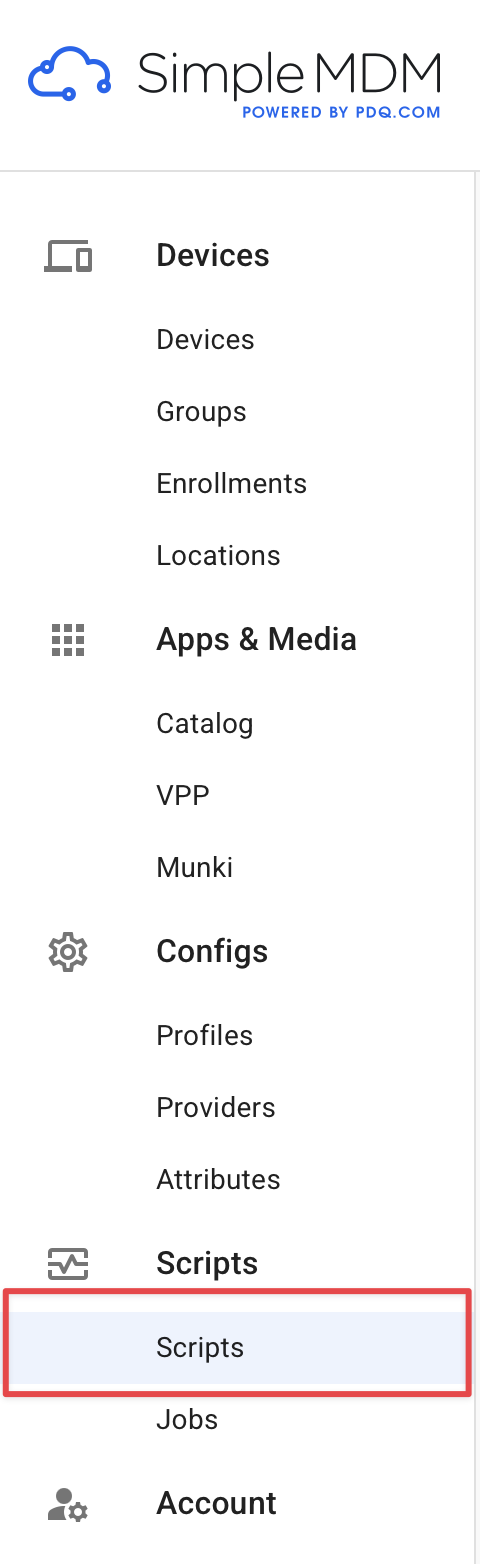
2. Click on Create Script
3. Give it a name, for example SafeDNS_Installer, upload the updated create-conf.sh, and click Save.
3. Run the script on target devices
1. Go to Jobs > Create Job.
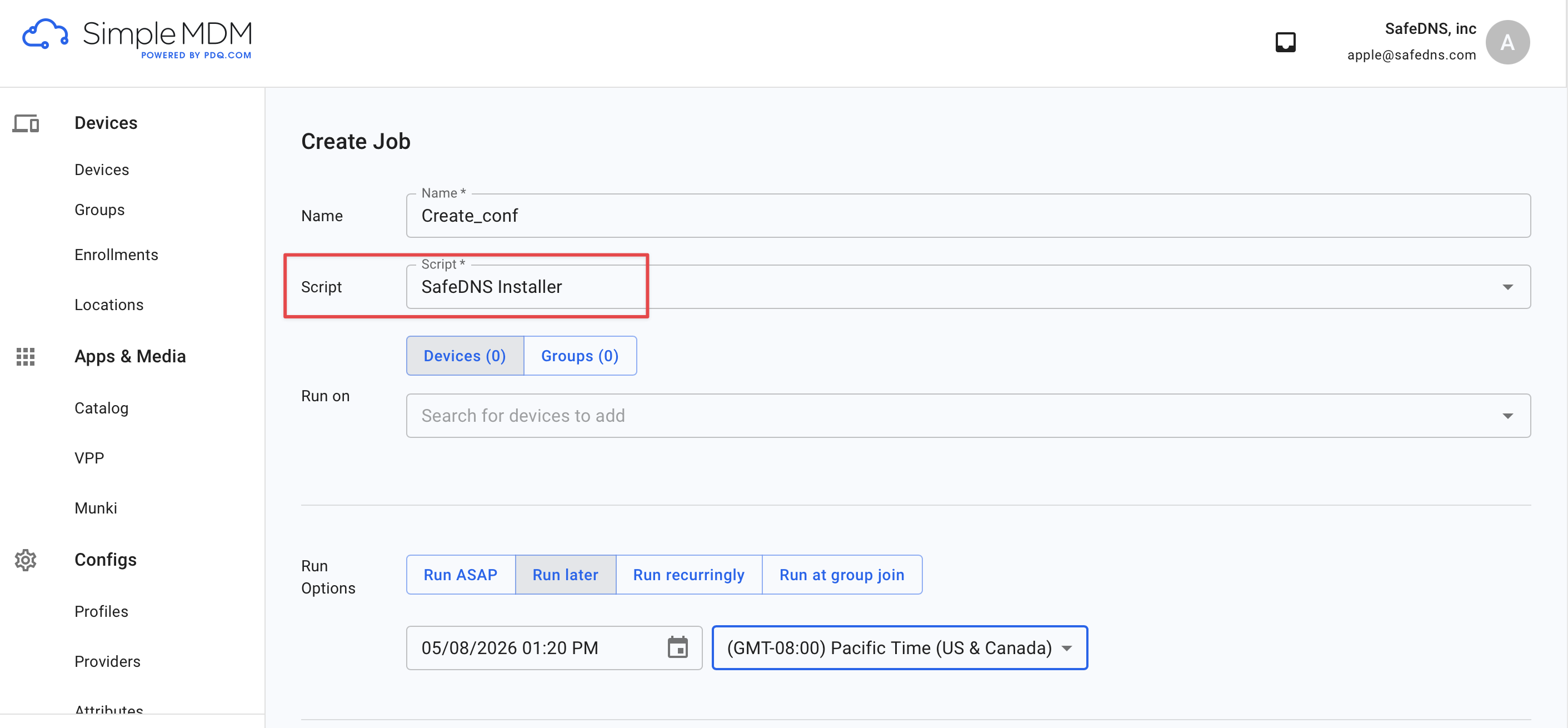
2. Select the script you created with your AuthKey, choose the target devices or device groups, configure the run option, and run the job.
4. Verify the result
After the job runs, check that the following files were created on the target Mac:
- Config.plist
- /var/log/safedns-installer.log
The log file confirms that the script was delivered and executed.