
SafeDNSDaemon installation via MDM on macOS
System requirements: macOS Tahoe 26 or later, Mac with Apple silicon — M1 chip or later.
The Agent is available on the following billing plans: Safe Family, Pro, Pro Plus, and archived Safe@Home, Safe@Office.
SafeDNSDaemon registers each managed macOS device in the SafeDNS dashboard and obtains the DNS token required for filtering.
The example below uses SimpleMDM, but the same logic applies to other MDM platforms.
Deployment steps
- Download the package safedns-daemon-20260515-1335-signed.pkg
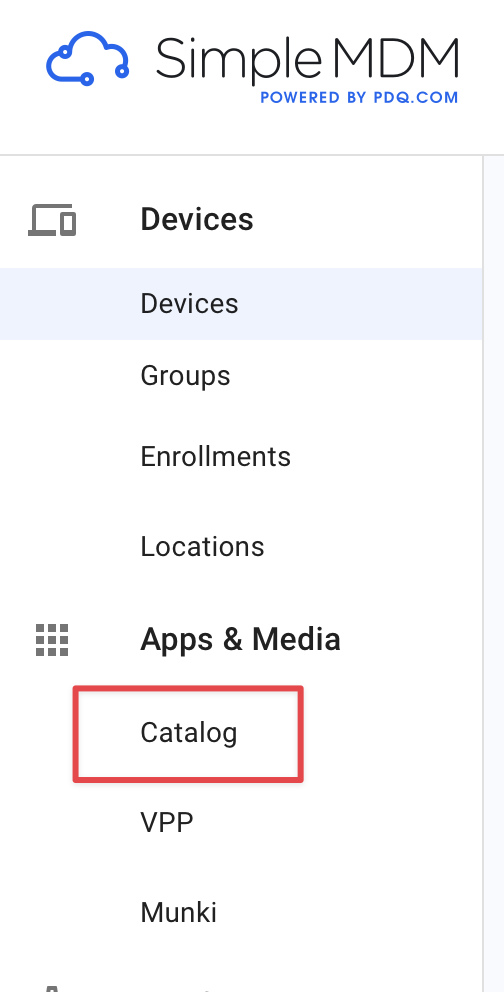
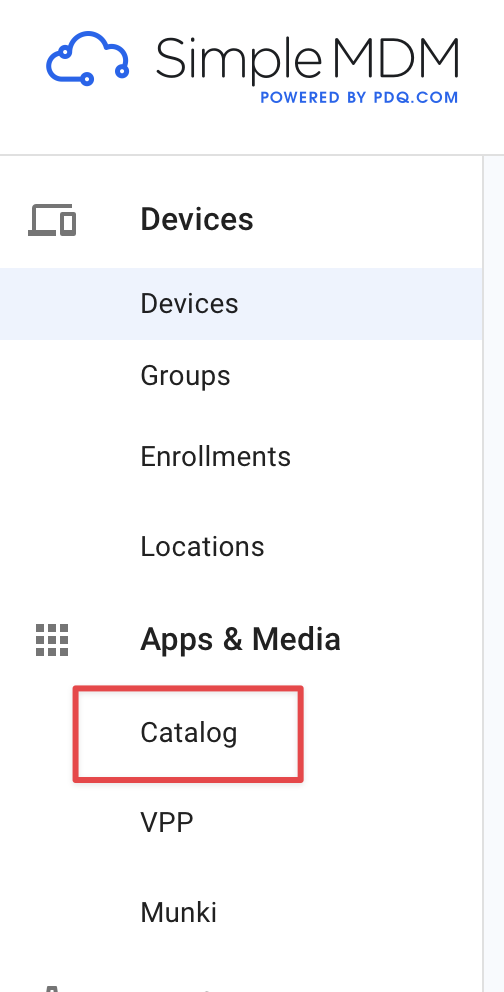
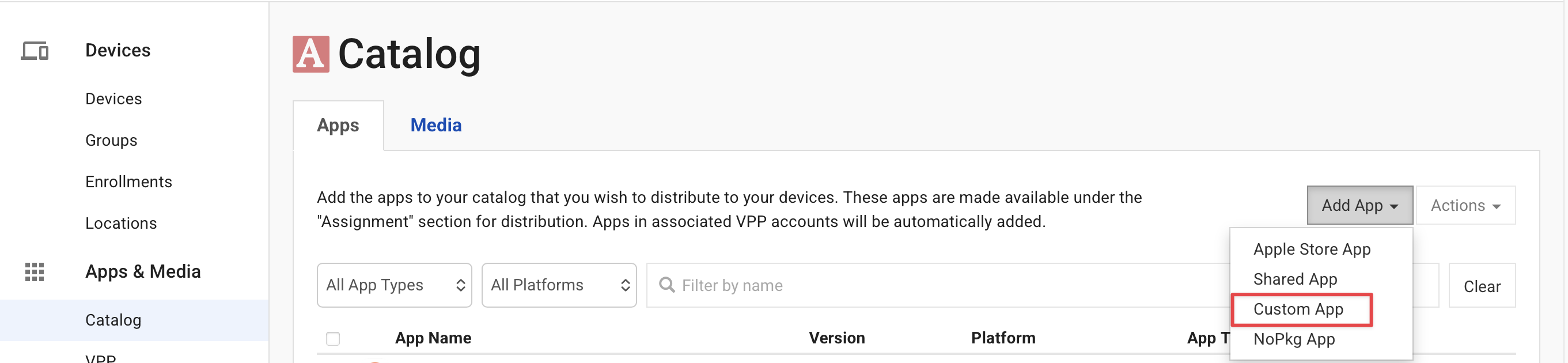
- Upload the package to the MDM catalog: Go to Apps & Media -> Catalog ->
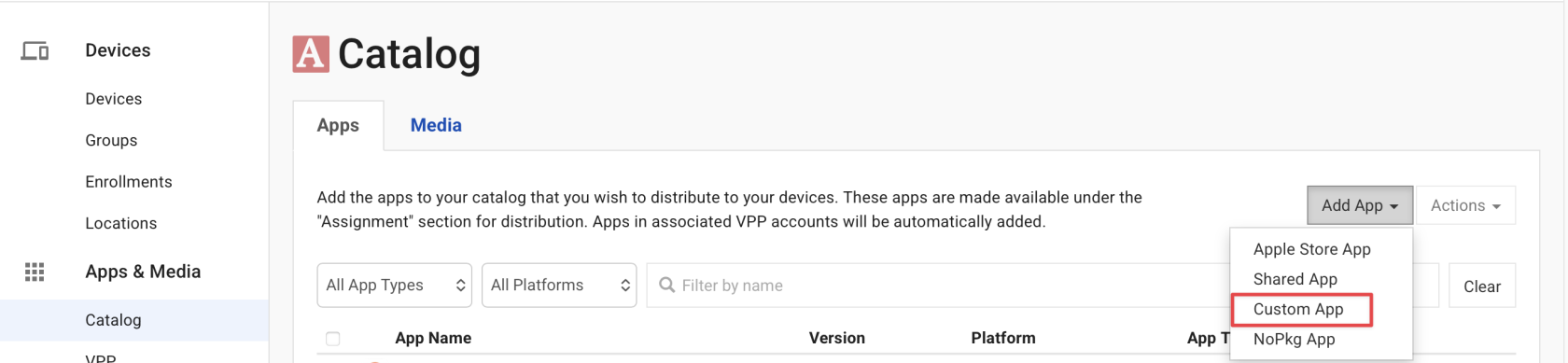
- Select Add App -> Custom App.
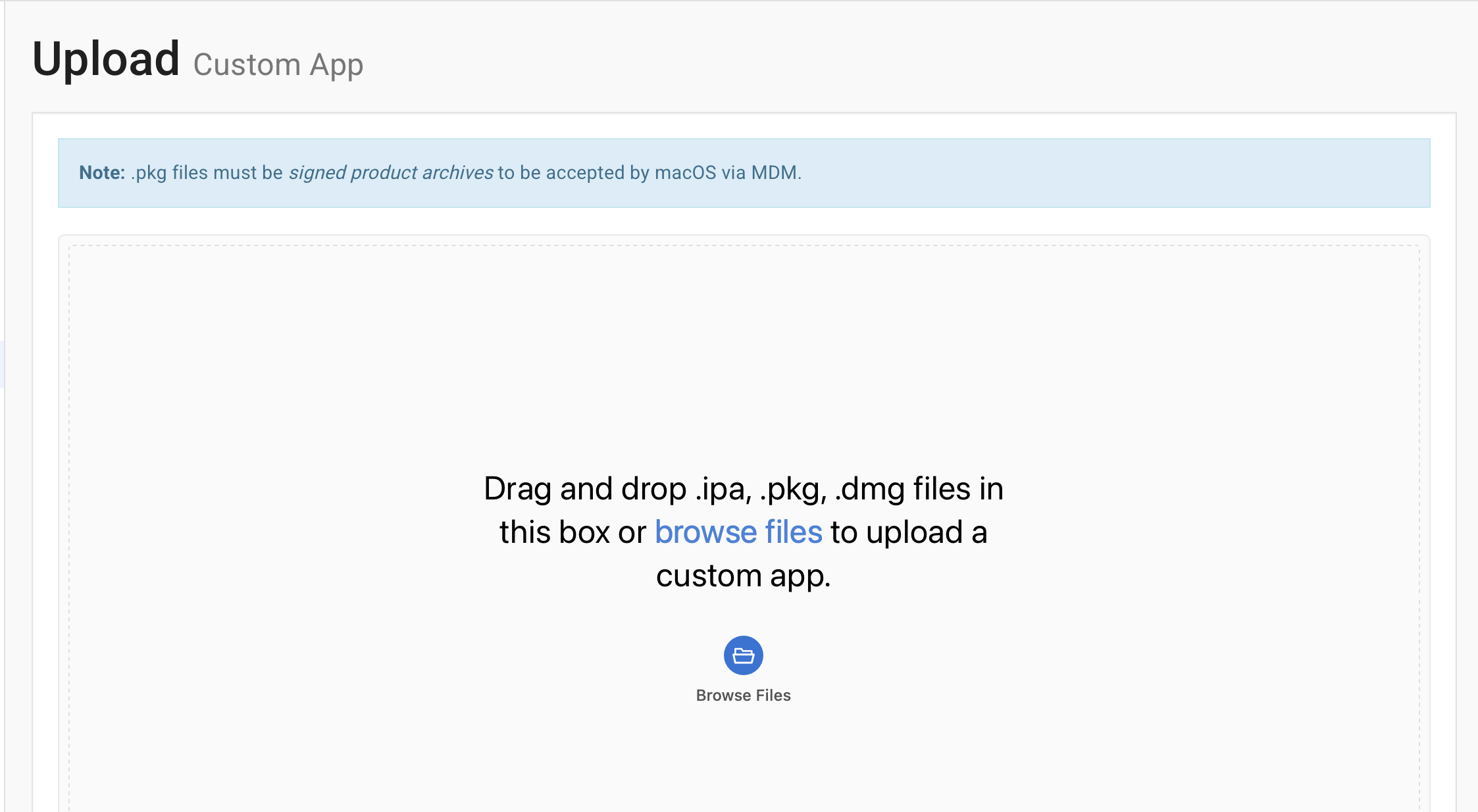
- Upload the SafeDNSDaemon package downloaded earlier:
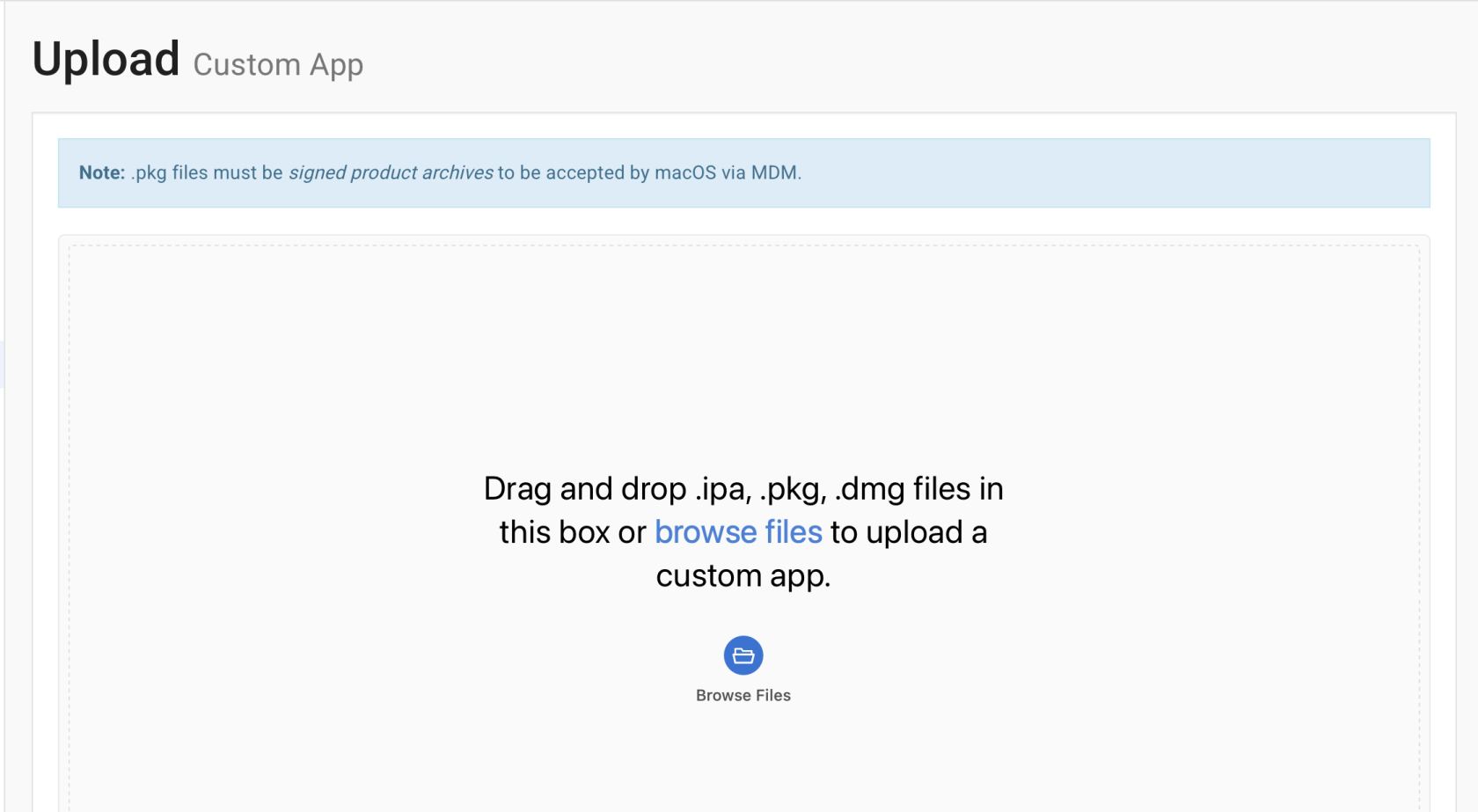
After uploading, SafeDNSDaemon appears in the app catalog. - Assign the daemon to devices: Go to Groups, select the target device group, open the Apps section, and add SafeDNSDaemon.
- Save and deploy: Click Review -> Save Changes. Then open Group Actions and select Install Apps and Media to deploy the daemon to the target devices.
Verify the installation
You can confirm that SafeDNSDaemon is working in either of these ways:
- Check the safedns-daemon.log file on the target Mac.
- Open the SafeDNS dashboard and confirm that the newly registered devices are displayed.